
Free instant access to BIOS tips!
Fill in your name and email and receive our ebook 'How to update your PC BIOS in 3 easy steps' (15$ value), free BIOS tips and updates about Wim's BIOS!
Fast, Scalable and Secure Webhosting
Are you currently having hosting problems? Do you feel that your site slowlyness is killing sales or traffic?
Our book Fast, Scalable and Secure Webhosting for Web Developers will give you the knowledge to run your site on a speedy, scalable and secure server!
Start learning about Linux, Nginx, MariaDB, PHP-FPM, Java, IPv6, HTTPS, WordPress and much more!
Tip: Receive your free Chapter Secure your site with HTTPS by joining our mailing list!

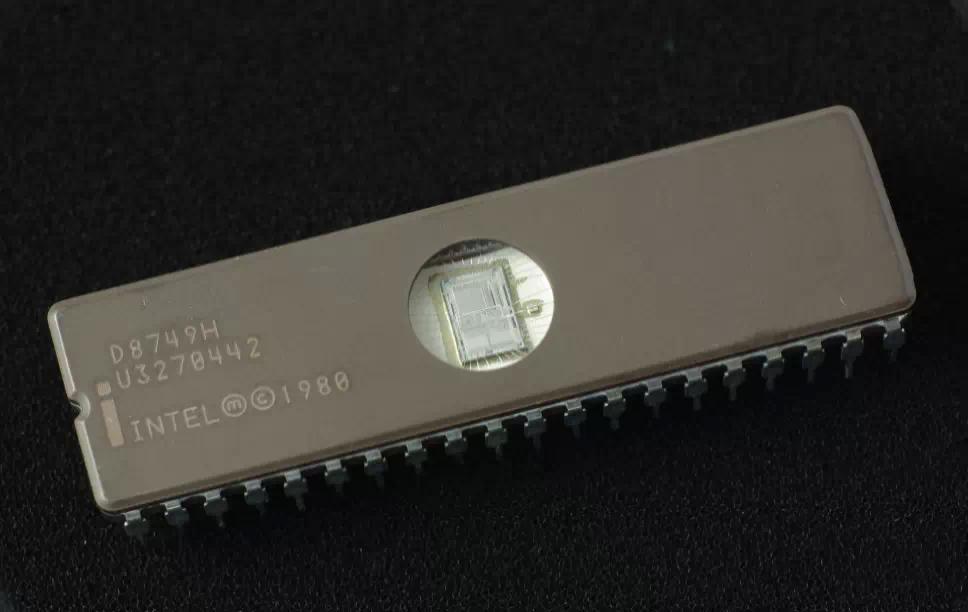
Apply a bios that is not specifically written for your mother board. Try this AT YOUR OWN RISK.
DO NOT ATTEMPT TO USE A DIFFERENT COMPANY'S BIOS UNLESS:
- You have an EPROM programmer handy.
- You have another flash capable motherboard handy and know how to do the "hot-flash" method.
- You like living on the edge and are willing to risk killing your motherboard.
Some IMPORTANT things to remember if you wish to try something like this:
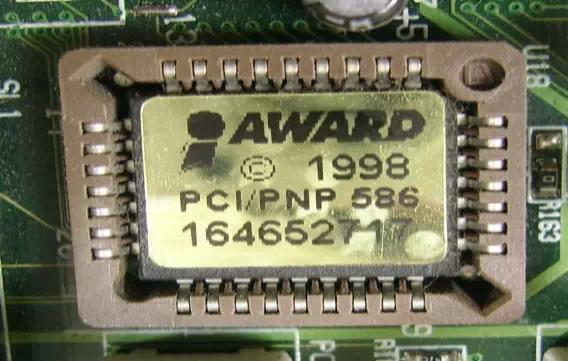
- Use *ONLY* BIOS's from motherboards with the SAME chipset!!!
- Make sure the I/O chip from that motherboard is the same as yours, eg. if your motherboard has the UM8669 I/O chip, then only flash BIOS from motherboards with that same I/O chip
- You must make a copy of a KNOWN perfectly working BIOS and flash program on your hard drive, this is in case your floppy drive won't boot, but your hard drive still can.
The results of such flashing can vary: memory detection may not be correct, no floppy disk access, but it can also have positive effects: better CPU spport, power management support, ...
Need help? Ask your question here!
(Examples: how to update your BIOS, how to identify your motherboard)
About
My name is Wim Bervoets and I'm the founder of Wim's BIOS Page. The history of this site goes back to 1996 when I was taking my first steps on the internet. Gradually the site grew to what it is now - an authority site about BIOS update information - with an active forum.
Free instant access to BIOS tips!
Fill in your name and email and receive our ebook 'How to update your PC BIOS in 3 easy steps' (15$ value), free BIOS tips and updates about Wim's BIOS!
Recent updates



-
Added Medion BIOS Updates

Contact Us
Belgium, Europe
Email: [email protected]
Stay Connected
1996 - 2019 © Wim Bervoets. Privacy Policy | Terms of Service | Disclaimer | Disclosure