
Free instant access to BIOS tips!
Fill in your name and email and receive our ebook 'How to update your PC BIOS in 3 easy steps' (15$ value), free BIOS tips and updates about Wim's BIOS!
Fast, Scalable and Secure Webhosting
Are you currently having hosting problems? Do you feel that your site slowlyness is killing sales or traffic?
Our book Fast, Scalable and Secure Webhosting for Web Developers will give you the knowledge to run your site on a speedy, scalable and secure server!
Start learning about Linux, Nginx, MariaDB, PHP-FPM, Java, IPv6, HTTPS, WordPress and much more!
Tip: Receive your free Chapter Secure your site with HTTPS by joining our mailing list!

When you turn on your computer, several events occur automatically:
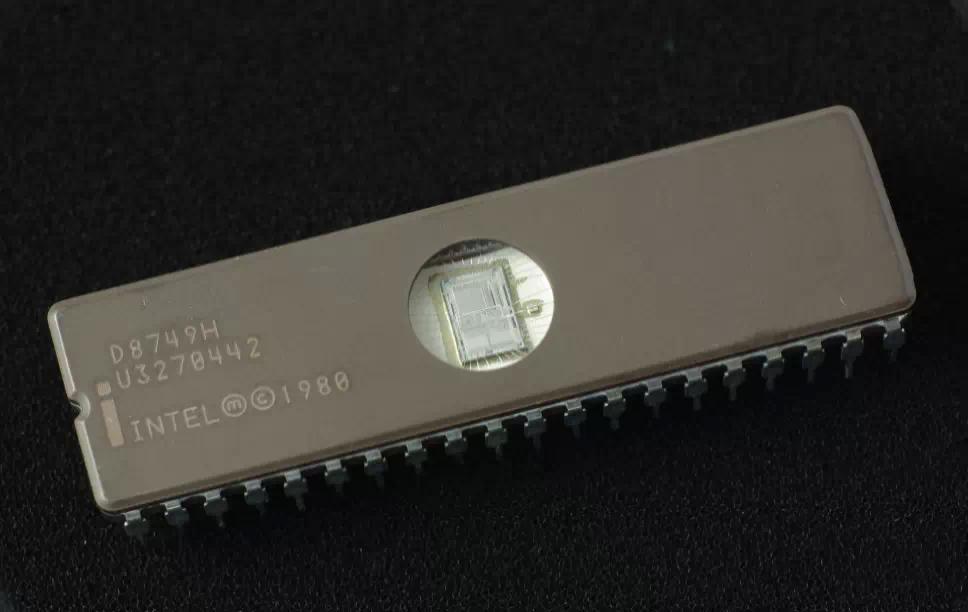
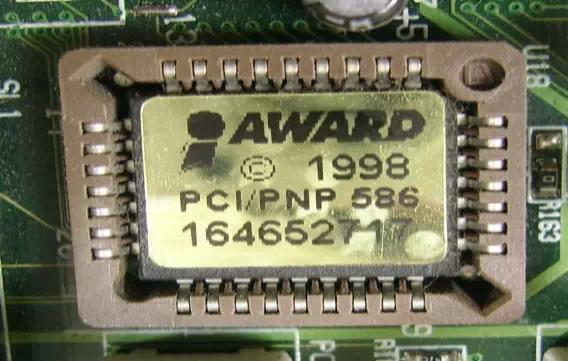
- The CPU "wakes up" (has power) and reads the x86 code in the BIOS chip.
- The code in the BIOS chip runs a series of tests, called the
POST for Power On Self Test, to make sure the system devices are working correctly.
In general, the BIOS:
- Initializes system hardware and chipset registers
- Initializes power management
- Tests RAM (Random Access Memory)
- Enables the keyboard
- Tests serial and parallel ports
- Initializes floppy disk drives and hard disk drive controllers
- Displays system summary information
- During POST, the BIOS compares the system configuration data obtained from POST with the system information stored on a CMOS - Complementary Metal-Oxide Semiconductor - memory chip located on the motherboard. (This CMOS chip, which is updated whenever new system components are added, contains the latest information about system components.)
- After the POST tasks are completed, the BIOS looks for the boot program responsible for loading the operating system. Usually, the BIOS looks on the floppy disk drive A: followed by drive C:.
- After being loaded into memory, the boot program then loads the system configuration information (contained in the registry in a Windows environment) and device drivers.
- Finally, the operating system is loaded, and, if this is a Windows environment, the programs in the Start Up folder are executed.
Go back to our BIOS FAQ.
Need help? Ask your question here!
(Examples: how to update your BIOS, how to identify your motherboard)
About
My name is Wim Bervoets and I'm the founder of Wim's BIOS Page. The history of this site goes back to 1996 when I was taking my first steps on the internet. Gradually the site grew to what it is now - an authority site about BIOS update information - with an active forum.
Free instant access to BIOS tips!
Fill in your name and email and receive our ebook 'How to update your PC BIOS in 3 easy steps' (15$ value), free BIOS tips and updates about Wim's BIOS!
Recent updates



-
Added Medion BIOS Updates

1996 - 2019 © Wim Bervoets. Privacy Policy | Terms of Service | Disclaimer | Disclosure

