
Free instant access to BIOS tips!
Fill in your name and email and receive our ebook 'How to update your PC BIOS in 3 easy steps' (15$ value), free BIOS tips and updates about Wim's BIOS!
Fast, Scalable and Secure Webhosting
Are you currently having hosting problems? Do you feel that your site slowlyness is killing sales or traffic?
Our book Fast, Scalable and Secure Webhosting for Web Developers will give you the knowledge to run your site on a speedy, scalable and secure server!
Start learning about Linux, Nginx, MariaDB, PHP-FPM, Java, IPv6, HTTPS, WordPress and much more!
Tip: Receive your free Chapter Secure your site with HTTPS by joining our mailing list!

Solution 1: Boot-block BIOS
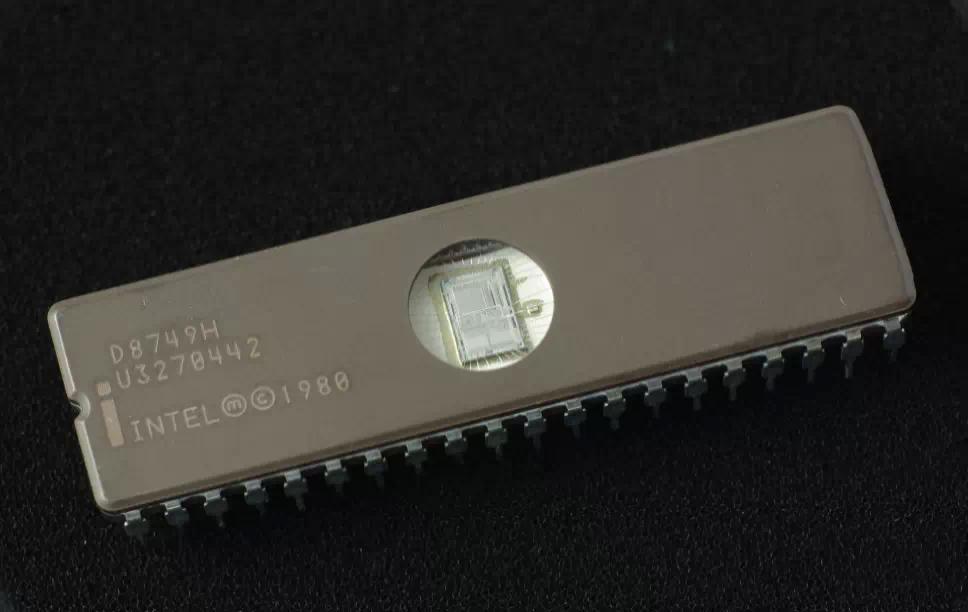
Modern motherboards have a boot-block BIOS. This is small area of the BIOS that doesn't get overwritten when you flash a BIOS. The boot-block BIOS only has support for the floppy drive. If you have a PCI video card you won't see anything on the screen because the boot-block BIOS only supports an ISA videocard.
Award: The boot-block BIOS will execute an AUTOEXEC.BAT file on a bootable diskette. Copy an Award flasher & the correct BIOS *.bin file on the floppy and execute it automaticly by putting awdflash *.bin in the AUTOEXEC.BAT file.
AMI: The AMI boot-block BIOS will look for a AMIBOOT.ROM file on a diskette. Copy and rename the correct BIOS file on the floppy and power up the PC. The floppy doesn't need to be bootable. You will see the PC read the floppy, after about 4 minutes you will hear 4 beeps, this means the transfer is done. Reboot the PC and modify the CMOS for your configuration.
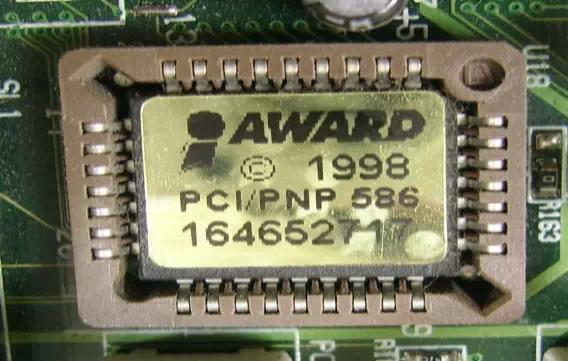
Solution 2: Get a new BIOS chip
- Contact your motherboard manufacturer to see if they sell BIOS chips. Some motherboard manufacturers send them for free.
- Contact a company that sells pre-flashed chips, like FlashBIOS.ORG, BadFlash
Solution 3: Hot-swapping
Note: I'm not responsible for any damage this method may do to you or your computer !
- Replace the corrupt chip by a working one. The best option is to take the working BIOS chip from a motherboard which has the same chipset although that's not absolutely necessary. It just has to give you a chance of booting into DOS. Before pulling the working BIOS chip out of it's original motherboard, set the System BIOS cacheable option in the BIOS to enabled.
- After you have put the working BIOS in the motherboard with the corrupt BIOS boot the system to DOS (with a floppy or HD).
- Now replace (while the computer is powered on) the working BIOS chip with the corrupt one.
- Flash an appropriate BIOS to the corrupt BIOS and reboot.
Solution 4: for Intel motherboards
- Change Flash Recovery jumper to the recovery mode position (not all products have this feature)
- Install the bootable upgrade diskette into drive A:
- Reboot the system
- Because of the small amount of code available in the non-erasable boot block area, no video is available to direct the procedure. The procedure can be monitored by listening to the speaker and looking at the floppy drive LED. When the system beeps and the floppy drive LED is lit, the system is copying the recovery code into the FLASH device. As soon as the drive LED goes off, the recovery is complete.
- Turn the system off
- Change the Flash Recovery jumper back to the default position
- Leave the upgrade floppy in drive A: and turn the system on
- Continue with the original upgrade
Go back to our BIOS FAQ.
Need help? Ask your question here!
(Examples: how to update your BIOS, how to identify your motherboard)
About
My name is Wim Bervoets and I'm the founder of Wim's BIOS Page. The history of this site goes back to 1996 when I was taking my first steps on the internet. Gradually the site grew to what it is now - an authority site about BIOS update information - with an active forum.
Free instant access to BIOS tips!
Fill in your name and email and receive our ebook 'How to update your PC BIOS in 3 easy steps' (15$ value), free BIOS tips and updates about Wim's BIOS!
Recent updates



-
Added Medion BIOS Updates

Contact Us
Belgium, Europe
Email: [email protected]
Stay Connected
1996 - 2019 © Wim Bervoets. Privacy Policy | Terms of Service | Disclaimer | Disclosure